How it works
Seven steps, one of which is a model
We are specific about this because it matters: a generative model simplifies your picture, and after that every line, number, name, ratio and measurement is ordinary arithmetic running in your browser.
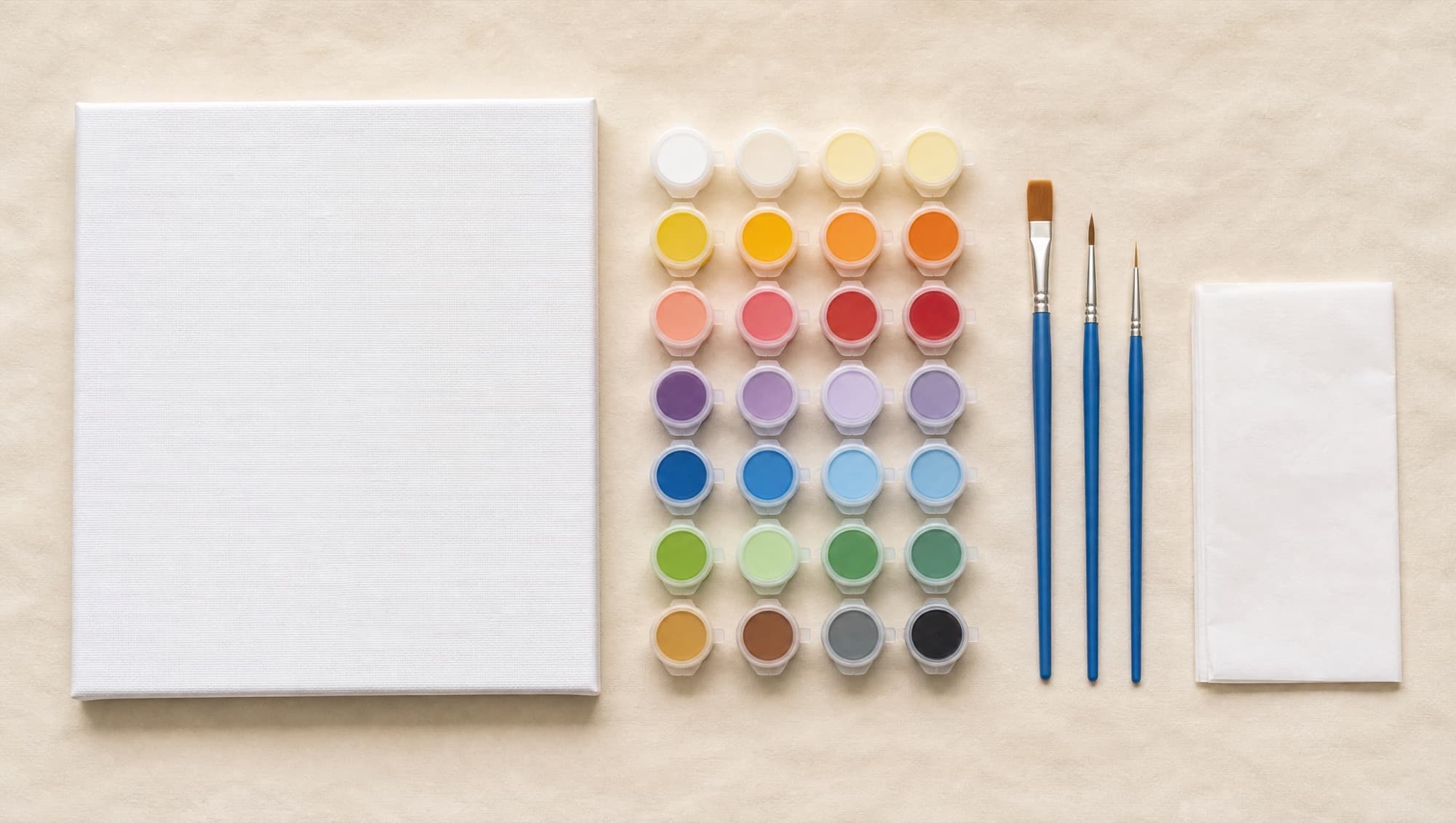
Your picture is opened in your browser
The file is read locally and scaled down to a working size. Nothing is uploaded at this point, and nothing is stored on our side at any point.
Client-side canvas · longest edge reduced to about 980 px
A picture model simplifies it (optional)
This is the only step that involves a generative model. It redraws your photograph as a simplified painting in the style you chose — broader areas, less noise, the same composition. You can switch it off and build the sheet from your original instead.
Optional · configured by the site operator · never used for training
Colours are clustered in a perceptual space
The picture is converted into CIE Lab, smoothed, then grouped into as many colours as you asked for using k-means with a fixed seed. Working in Lab rather than RGB means the groups match what the eye considers 'the same colour'.
Our code · CIE Lab · k-means++ · deterministic seed
Areas are found and the unpaintable ones merged away
Neighbouring pixels of the same colour become one area. Areas that are too small to paint, or too narrow to hold a readable number, are folded into whichever neighbour they share the longest border with. This is the step that decides whether a sheet is pleasant or maddening.
Our code · connected components · border-weighted merging · distance transform
Outlines are traced and numbers placed
Every boundary between two areas becomes a line. Inside each area we find the point furthest from any edge — the centre of the largest circle that fits — and put the number there, sized to fit.
Our code · no text is ever drawn by a model
The colour key is computed
Each colour gets a plain-language name derived from its hue, lightness and saturation, an approximate two-pigment mixing ratio found by searching every pair of generic pigments, its share of the picture, and a rough volume for one coat at your chosen size.
Our code · brand-neutral pigment names · approximate guidance
Three files are laid out and handed to you
The numbered outline, the colour key and the painted reference are assembled into a print-ready PDF at your chosen size, plus a PNG of the outline on its own. Both carry an AI-generated marker in their metadata.
Our code · PDF built in the browser · AI marker written into the file
Your download
Exactly what arrives, and what each part is for
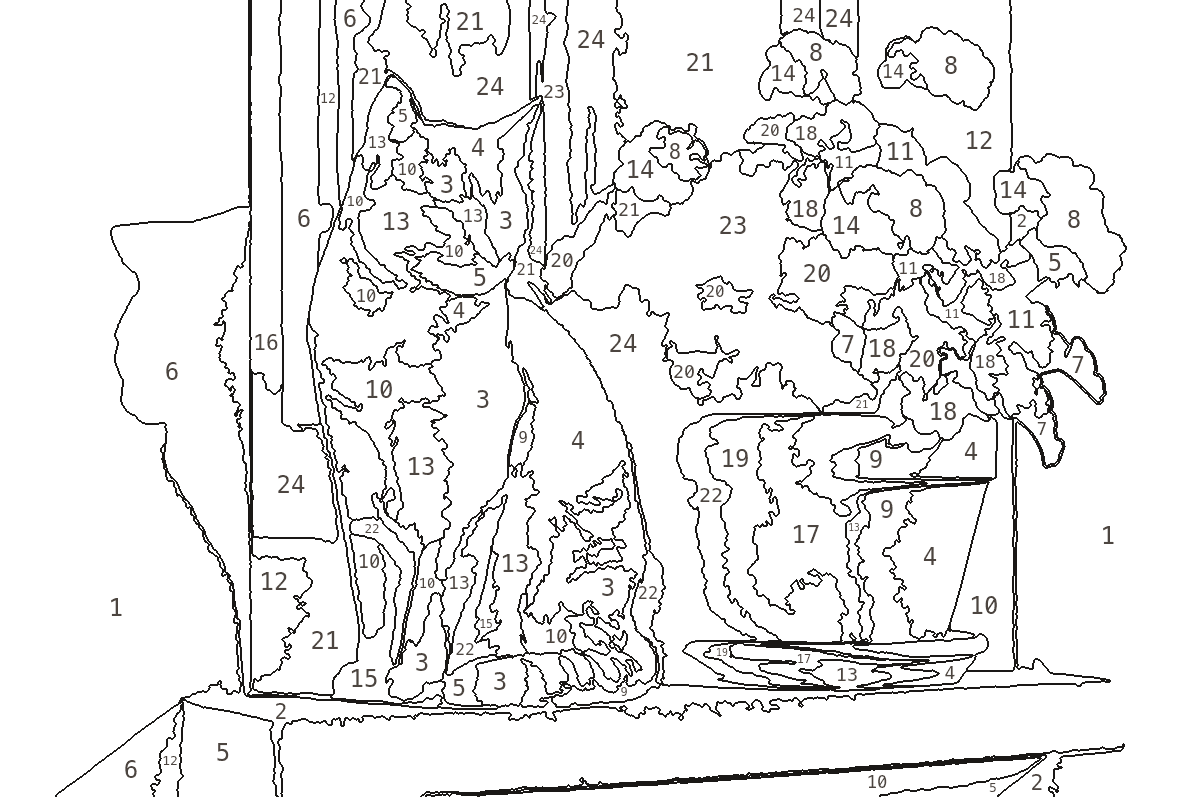 paintoku-outline-….png
Numbered outline
Black lines on white, every closed area numbered. Print it on paper or card, or take it to a print shop for canvas.
 page 2 of the PDF
Colour key
Swatch, number, name, approximate mix, share of the picture and a rough volume for one coat.
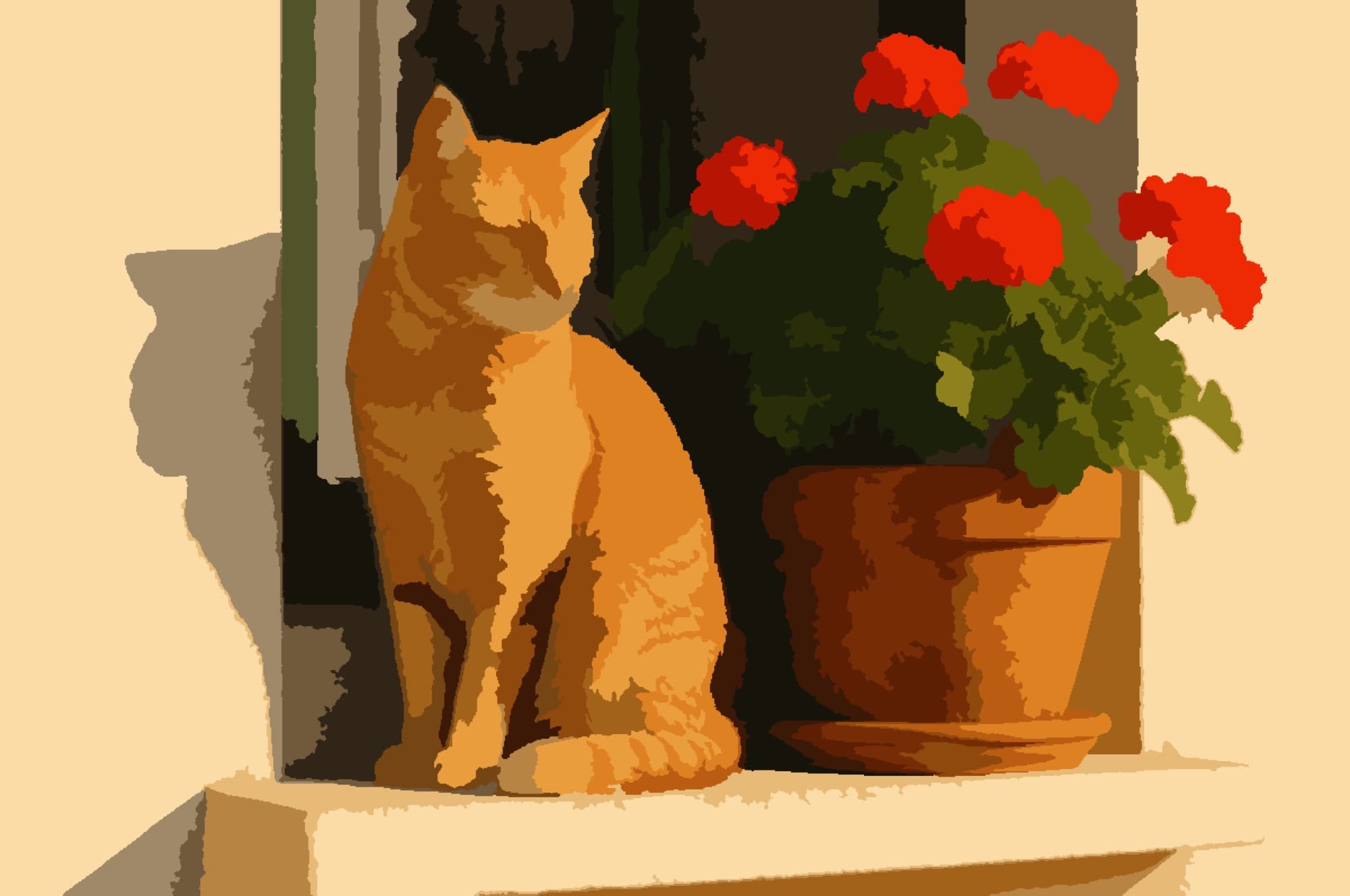 page 3 of the PDF
Painted reference
The finished picture in the exact colours of the key, so you can check your mixes against something.
About the mixing ratios
Ten generic pigments, and a search over every pair
Rather than name a manufacturer's colour, we describe each colour as a mix of two ordinary pigments. The ratio comes from searching every pair at every step and keeping whichever combination lands closest in Lab space.
These are approximate. They do not correspond to the colour codes of any paint brand, and volumes are estimates for a single coat at the size you chose. Mix by eye, adjust as you go, and treat the ratio as a starting point.
- Titanium White#F6F4EE
- Lemon Yellow#F2D53C
- Yellow Ochre#C9922E
- Vermilion Red#D93E20
- Crimson#A81F3D
- Ultramarine Blue#26418F
- Cyan Blue#1F86B4
- Viridian Green#1F6F5C
- Burnt Umber#6B4423
- Lamp Black#1B1A18
Marking and disclosure
Every file says it was made with AI, in a way a machine can read
PNG files carry the disclosure in a text chunk inside the file. PDF files carry it in the document properties and print it at the foot of every page. The pages you are reading say it too. This is how we meet the transparency obligation for AI-generated content, and we would do it anyway.
Metadata written into every PNG
Software                     Paintoku
Source                       catarinaribeiro.shop
AI-Generated                 true
Generation-Method            Image simplified with a
                             generative model; regions,
                             numbering, colour key and
                             layout computed by Paintoku
                             code
Synthetic-Media-Disclosure   This file was produced with
                             the assistance of artificial
                             intelligence.